




In this tutorial, we will teach you how to apply in the Bhutan NDI app in a simple and easy way. Follow the steps carefully to complete your registration successfully.
Step-by-Step Guide
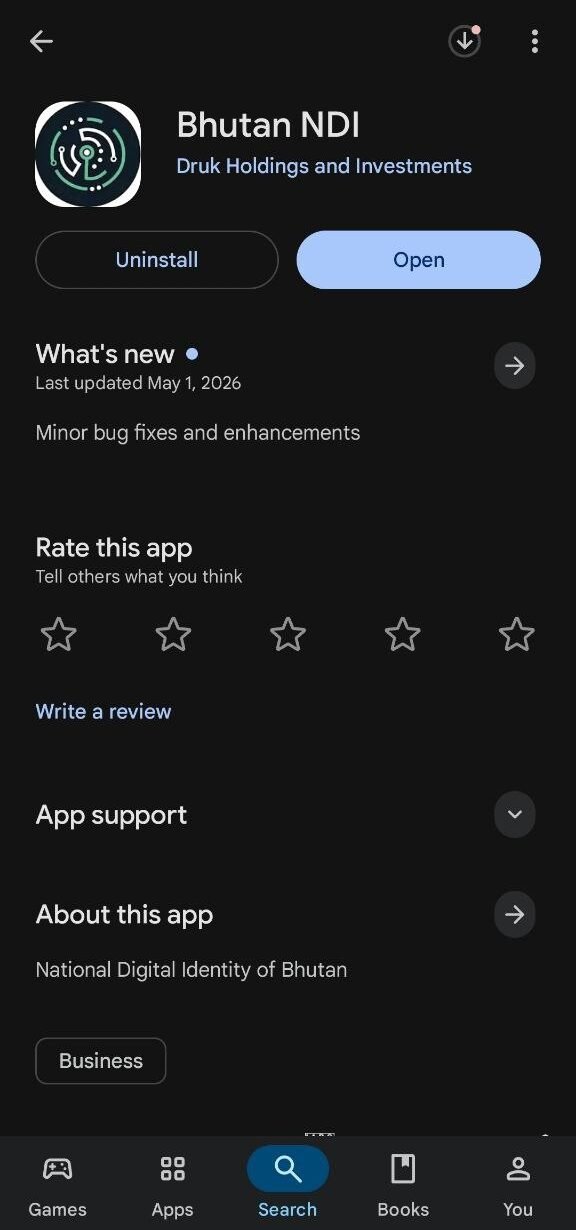
- Download the Bhutan NDI app from the Google Play Store or Apple App Store.
- Open the app and click on the Get Started button.
- Go through the Terms of Service.
- Scroll down, tick the statement “I agree with the Terms of Service”, and click on Accept.
- Next, go through the Privacy Policy section.
- Scroll down, tick “I agree with the Privacy Policy”, and click on Accept.
- Fill in all your Personal Details and Identification Details carefully.
- After filling in the details, scroll down and click on the Continue button.
- You will reach a Successfully Submitted! section. Click on Next.
- Now, you need to complete facial recognition (face scan) to verify your identity.
- Make sure you are in a well-lit environment (preferably outdoors or a bright room).
- Remove sunglasses, masks, or anything covering your face.
- Follow the on-screen instructions carefully.
- If unsure, click on Watch Video Tutorial for guidance.
- Once ready, click on Next.
- The face scanning process will begin.
- After successful scanning, you will reach a Success screen.
- If there is an error, retry by following the instructions provided in the app.
- You will then see the Your Information section with your details such as personal information, identification details, and permanent address.
- Review everything and click on Confirm.
- If your permanent address is missing, go back and recheck your details.
- Set up your App PIN.
- Choose a strong but memorable PIN.
- Enable Biometric Authentication for quicker and easier access.
- Turn on Notifications for faster updates and responses.
- You will be redirected to the app dashboard.
- Wait for about 5–10 minutes to receive your Foundational ID and Permanent Address from the system.
- Confirm both credentials when prompted.
- Your app is now partially ready to use.
Final Note
These are the basic steps to create your Bhutan NDI account. For further information on adding your phone number, email, e-signature, and other features, we will provide another tutorial series.
Thank you!
